One player, many screens, each showing the right content
The CAYIN SMP
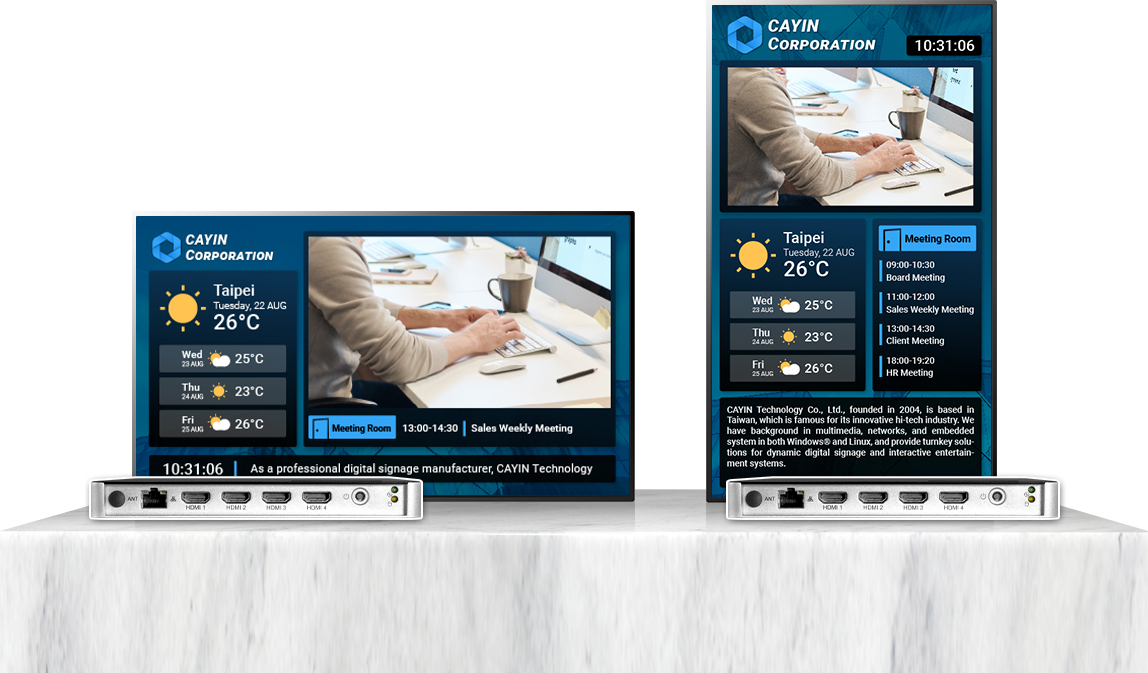
player offers several video outputs, so you can show different content on each screen, the same on all of them, or one picture stretched across every screen.
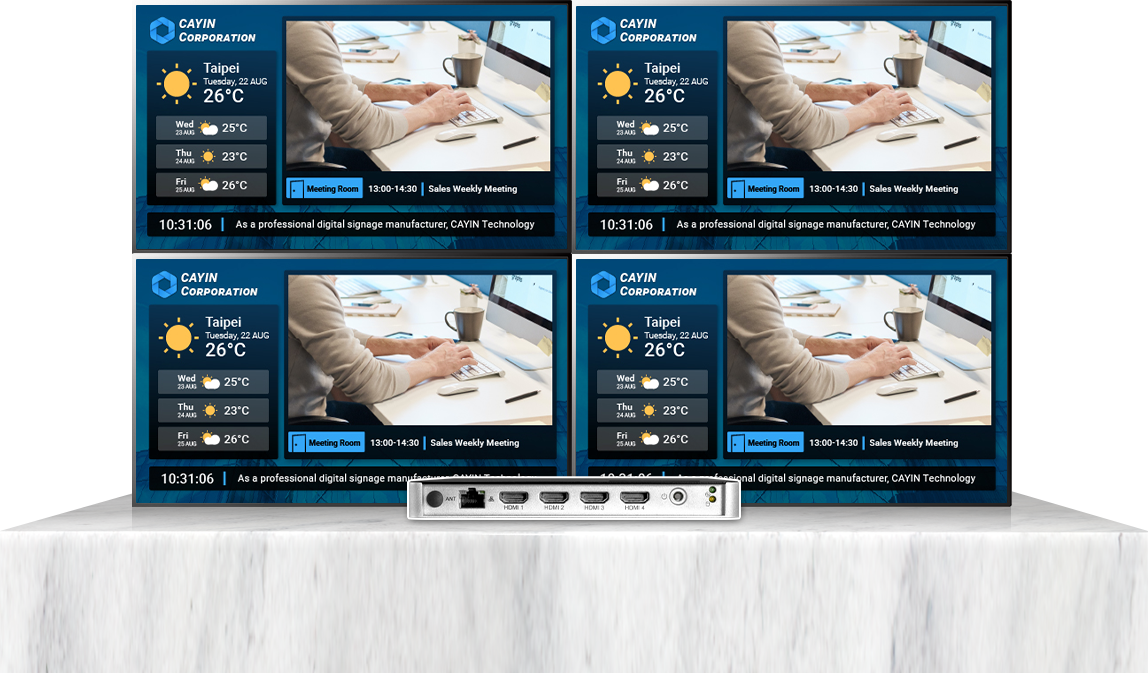
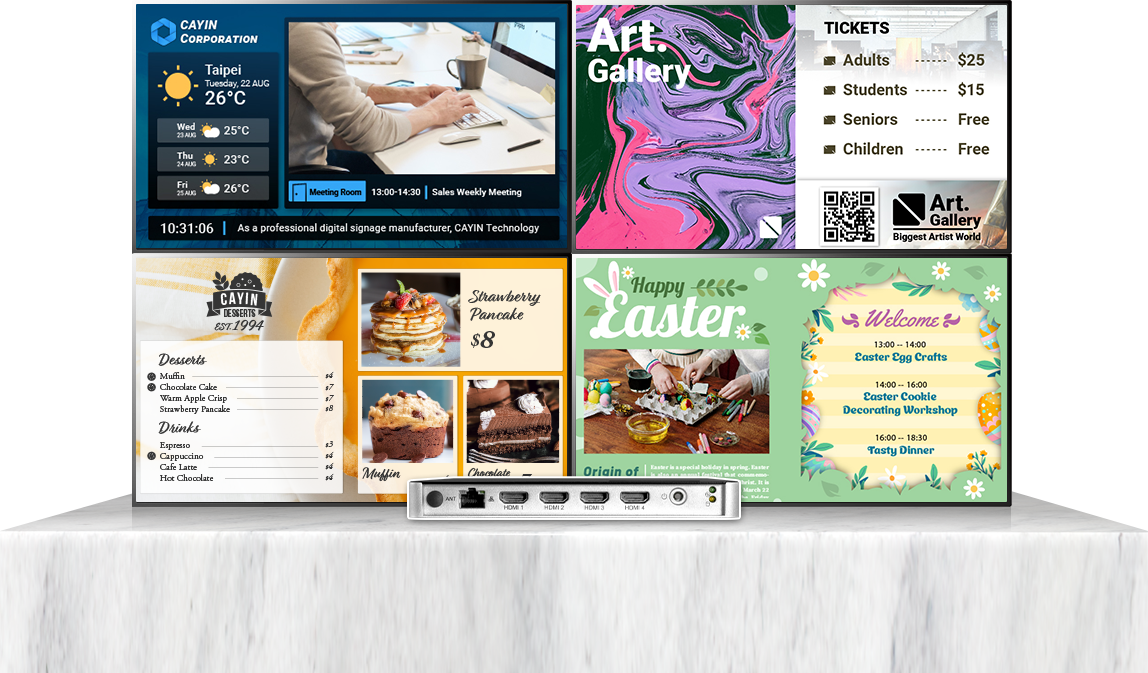
Distinct mode lets neighbouring screens play for different audiences or aisles, while clone mode puts the same message on screens facing several directions at once.
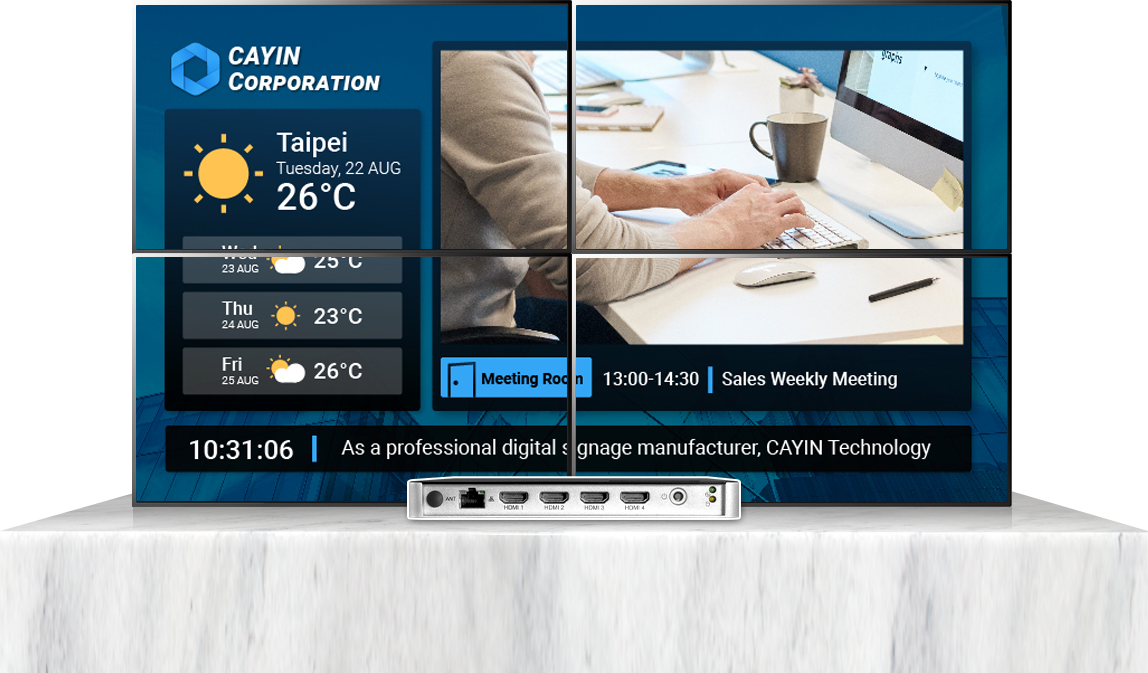
Extended mode spreads one continuous visual across a whole row of screens, ideal for brand walls and large displays.
The SMP-8100 supports one 4K UHD or up to four Full HD outputs, the SMP-2400 two to three screens and the SMP-2200 two screens, all with mainstream and custom resolutions.
When you need a bigger picture, connect the SMP-8100 to a video wall controller or tiling-capable displays to build a large wall from several flat panels.
Data flow. The CAYIN SMP player offers several video outputs and sends content to multiple landscape and portrait screens in single, clone, extended or distinct mode. One SMP player forms a 2x2 seamless video wall directly from four HDMI
outputs, can also drive a whole video wall by splitting its outputs, or run several independent screens in distinct mode. Connected to a video wall controller or tiling-capable displays, it builds a large wall from several flat panels. The CAYIN CMS
server manages every player's layouts and playlists centrally.
See multi-video output in action
Four HDMI outputs that widen what you can do
The SMP player supports one 4K
UHD or up to four Full HD outputs, controls several portrait or landscape screens at once and accepts mainstream and custom resolutions. Four signal output modes make display combinations far more flexible.
Single mode
One output maps to one screen playing a single programme. Best for standalone screens spread across different spots.
Clone mode
Every output plays the same picture, showing one message at once on screens facing several directions.
Extended mode
One picture stretches across several screens for a continuous visual, ideal for a brand wall.
Distinct mode
Each output plays its own content and schedule, ideal for neighbouring screens aimed at different audiences.
Where multi-video output fits
Retail and QSR
One player drives several counter and aisle screens, each showing its own products, menus and promotions.
Every SMP
player carries its own layout and playlist and can output several video signals with no server. To manage many screens, many sites or a large video wall, update content in one place and assign playlists to each output, add a CAYIN CMS server: one server manages every player.
CMS-SE
Robustie Solution
Content management software installed on your own server, keeping content and layout data on your network.
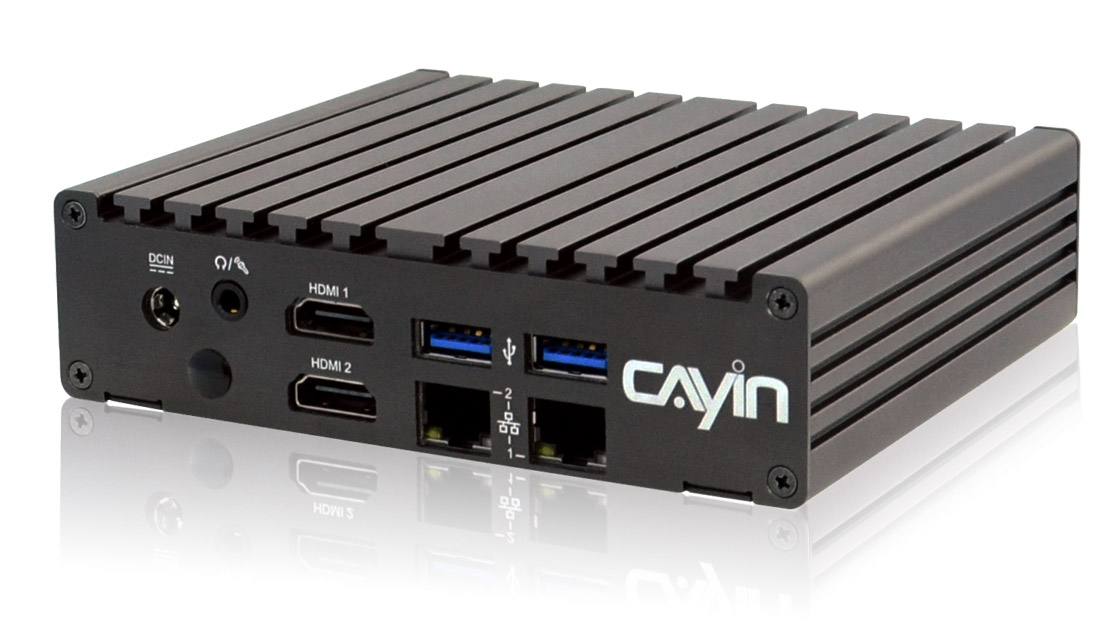
Depending on the model, one SMP player drives two to four screens at once. The SMP-8100 has four independent HDMI outputs and is best for four screens and video walls; the SMP-2400 supports two to three screens and the SMP-2200 two.
What is the difference between single, clone, extended and distinct mode?
In single mode, one output maps to one screen. In clone mode, every screen shows the same picture. In extended mode, one picture stretches across all screens. In distinct mode, each output plays its own content and schedule.
Can every screen output Full HD?
The SMP-8100 supports one 4K UHD or up to four Full HD outputs, the SMP-2400 two to three screen outputs and the SMP-2200 two screens. All models support mainstream and custom screen resolutions.
Can I mix portrait and landscape screens?
Yes. You can freely combine several landscape and portrait screens to fit your needs, and design a matching layout for each screen.
What equipment do I need to build a video wall?
The SMP-8100 builds a 2x2 video wall directly from its four HDMI outputs. For a larger wall, connect the SMP-8100 to a video wall controller or tiling-capable displays to assemble a large wall from several flat panels.
Does multi-video output need multiple players?
No. One SMP player outputs several video signals and controls two to four screens at once, the most economical way to build multi-screen signage.
Can different screens run their own schedules?
Yes. In distinct mode, each output is an independent display area where you can design a layout, set a playlist and schedule updates on its own.
Do I need a CMS server?
A single player runs on its own. To manage many screens or sites, update content in one place and assign playlists to each output, add a CAYIN CMS server: one server manages every player centrally.
How is multi-video output different from a video wall controller?
Multi-video output is a feature of the player itself: one SMP player sends two to four signals straight to several screens. A video wall controller is an external device that splits and scales one signal across more panels, for walls larger than four screens.
Can multi-screen signage show YouTube, web pages or live data?
Yes. Each output can play 4K UHD video, YouTube video, HTML5 pages, images and text tickers, and show live content such as RSS feeds, weather or exchange rates.
Related resources and whitepapers
FAQ
Find answers to common questions by product or topic.